
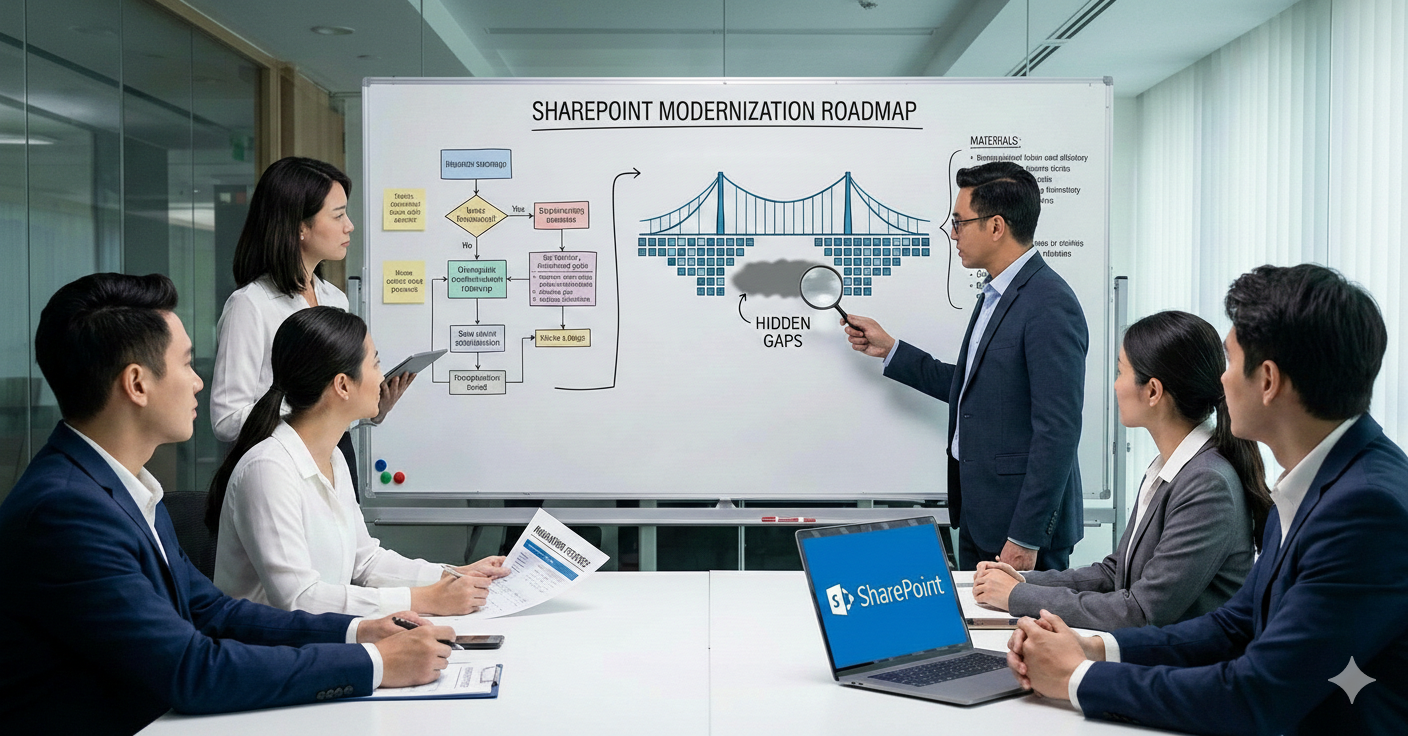
SharePoint modernization has become a priority for organizations aiming to improve collaboration, streamline processes, and move away from legacy systems. Microsoft’s modern SharePoint experience—combined with Power Apps, Power Automate, and the broader Microsoft 365 ecosystem—offers immense potential.
Yet, despite significant investments, many SharePoint modernization initiatives fail to deliver the expected business impact.
Why?
Because most modernization efforts focus on what is visible—the interface, layouts, and migration checklists—while overlooking critical gaps that determine long-term success. At Softree Technology, we frequently step in after initial modernization attempts and uncover recurring issues that quietly limit ROI.
This blog explores the hidden gaps in typical SharePoint modernization strategies and how organizations can avoid them.
Treating Modernization as a Migration Exercise
One of the most common mistakes is equating modernization with content migration. Moving files from classic SharePoint or on-prem environments to SharePoint Online is necessary—but it is not modernization.
True modernization requires rethinking how information is structured, accessed, and governed. Simply lifting and shifting documents often brings forward outdated folder hierarchies, redundant content, and poor metadata practices, making the modern environment just as inefficient as the old one.
Modern SharePoint is designed for metadata-driven navigation, search-first experiences, and intelligent content discovery. Without redesigning information architecture, organizations miss out on these advantages.
Ignoring Business Processes and Power Apps Integration
Another major gap is modernizing SharePoint in isolation, without addressing the business processes that run on top of it.
Many organizations still rely on manual approvals, email-based workflows, and Excel trackers even after modernization. This defeats the purpose of adopting a modern digital workplace.
SharePoint and Power Apps together enable organizations to digitize forms, automate approvals, and build low-code business applications directly within Microsoft 365. When Power Apps and Power Automate are not part of the modernization strategy, SharePoint remains a passive document repository instead of an active process platform.
At Softree, we see the biggest value when SharePoint modernization is paired with Power Apps–led automation and workflow redesign.
Overlooking Governance and Scalability
Modern SharePoint makes it easy to create sites, Teams, and libraries—but ease of creation without governance quickly leads to sprawl.
Many modernization initiatives focus on speed and adoption while postponing governance decisions. Over time, this results in:
- Hundreds of unmanaged sites
- Inconsistent permissions
- Duplicate content
- Compliance and security risks
Governance should not be an afterthought. A successful SharePoint modernization strategy includes clear site provisioning policies, lifecycle management, permission models, and compliance controls aligned with business needs.
Without this foundation, the modern environment becomes difficult to scale and even harder to manage.
Focusing on UI While Neglecting User Adoption
Modern SharePoint looks great out of the box—but a modern UI alone does not guarantee adoption.
Employees often struggle when:
- Navigation does not match how teams work
- Content is difficult to find
- Processes remain fragmented across tools
Modernization efforts frequently underestimate the importance of change management, role-based experiences, and training. Users need clarity on why the new environment exists and how it improves their daily work.
Designing SharePoint experiences around real user journeys—supported by intuitive Power Apps interfaces—makes adoption far more sustainable.
Underutilizing Search, Metadata, and AI Capabilities
One of SharePoint’s most powerful features is intelligent search, yet it is often poorly configured or ignored entirely.
Without proper metadata, content types, and taxonomy, search results become noisy and unreliable. Organizations then assume “SharePoint search doesn’t work,” when in reality, it was never set up strategically.
With Microsoft Search, Viva, and emerging AI capabilities, SharePoint can deliver context-aware insights and content recommendations. These benefits remain hidden unless modernization includes content modeling and search optimization from the start.
Lack of a Long-Term Modernization Roadmap
Many SharePoint modernization initiatives are executed as one-time projects. Once the migration is complete, momentum slows, and innovation stops.
Modern SharePoint is an evolving platform. New features, integrations, and AI capabilities are continuously introduced. Without a roadmap, organizations struggle to adapt and often fall back into outdated usage patterns.
A phased, roadmap-driven approach—covering governance, Power Apps expansion, analytics, and continuous optimization—ensures SharePoint remains aligned with business growth.
How Softree Technology Bridges These Gaps
At Softree Technology, we approach SharePoint modernization as a business transformation initiative, not just a technical upgrade.
Our modernization strategy focuses on:
- Information architecture redesign, not just migration
- Deep integration of SharePoint and Power Apps for process automation
- Governance frameworks that scale with the organization
- User-centric design and adoption planning
- Future-ready roadmaps aligned with Microsoft’s evolving ecosystem
By addressing these often-overlooked gaps, we help organizations unlock the full value of modern SharePoint and Power Platform investments.
Final Thoughts
SharePoint modernization is not about moving faster—it’s about moving smarter.
Organizations that succeed look beyond surface-level upgrades and focus on structure, processes, governance, and people. By identifying and closing the hidden gaps early, businesses can turn SharePoint into a powerful, intelligent digital workplace rather than just another collaboration tool.
If your SharePoint environment feels “modern” but still underperforms, it may be time to revisit your strategy—and fill the gaps that truly matter.