Introduction
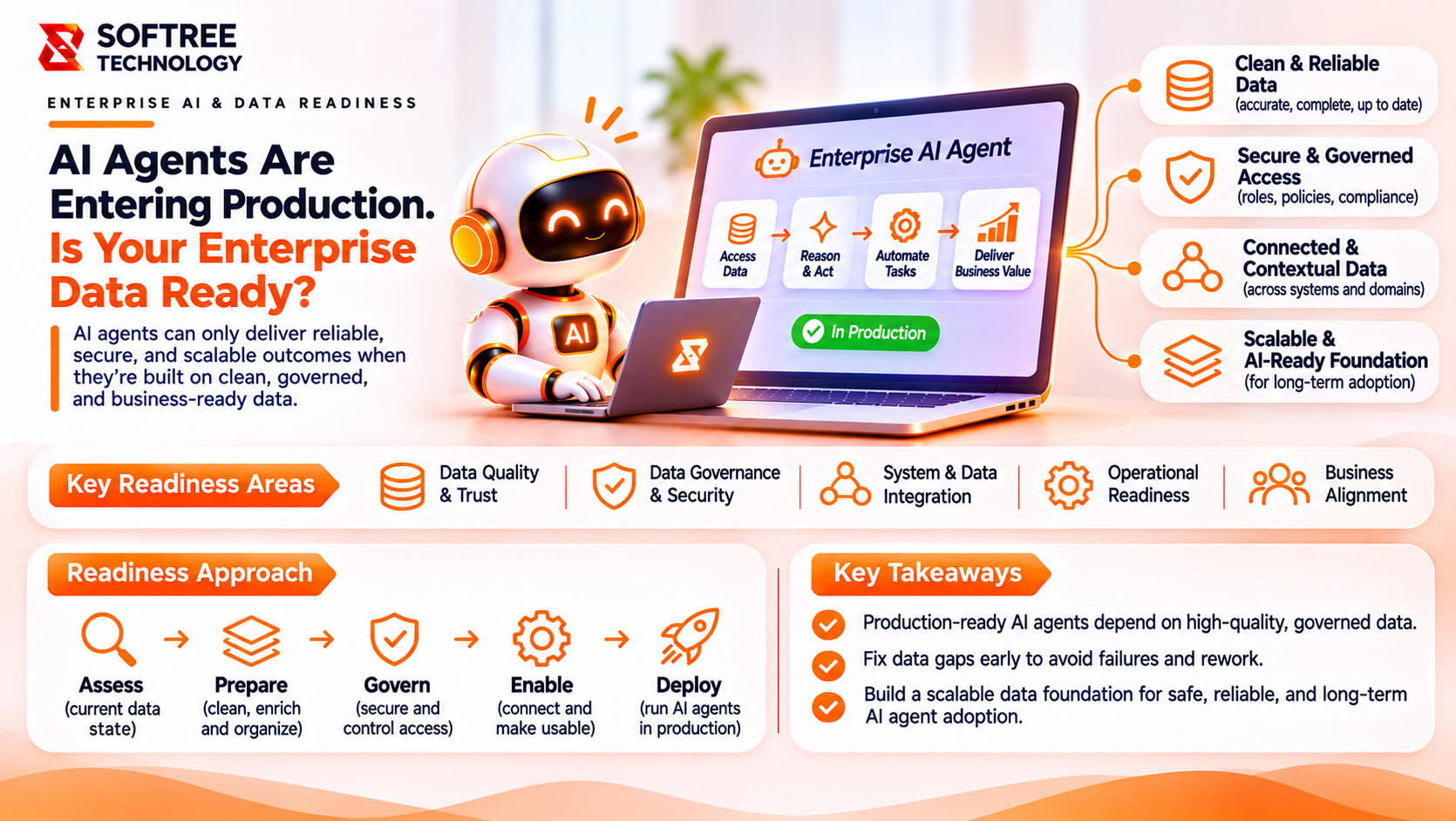
Enterprise AI agents are becoming more capable, but their usefulness depends on the business systems they can access. An agent that can answer questions is helpful. An agent that can securely find customer records, understand business data, and perform approved actions can become part of an actual business process.
This is where the Model Context Protocol (MCP) becomes important.
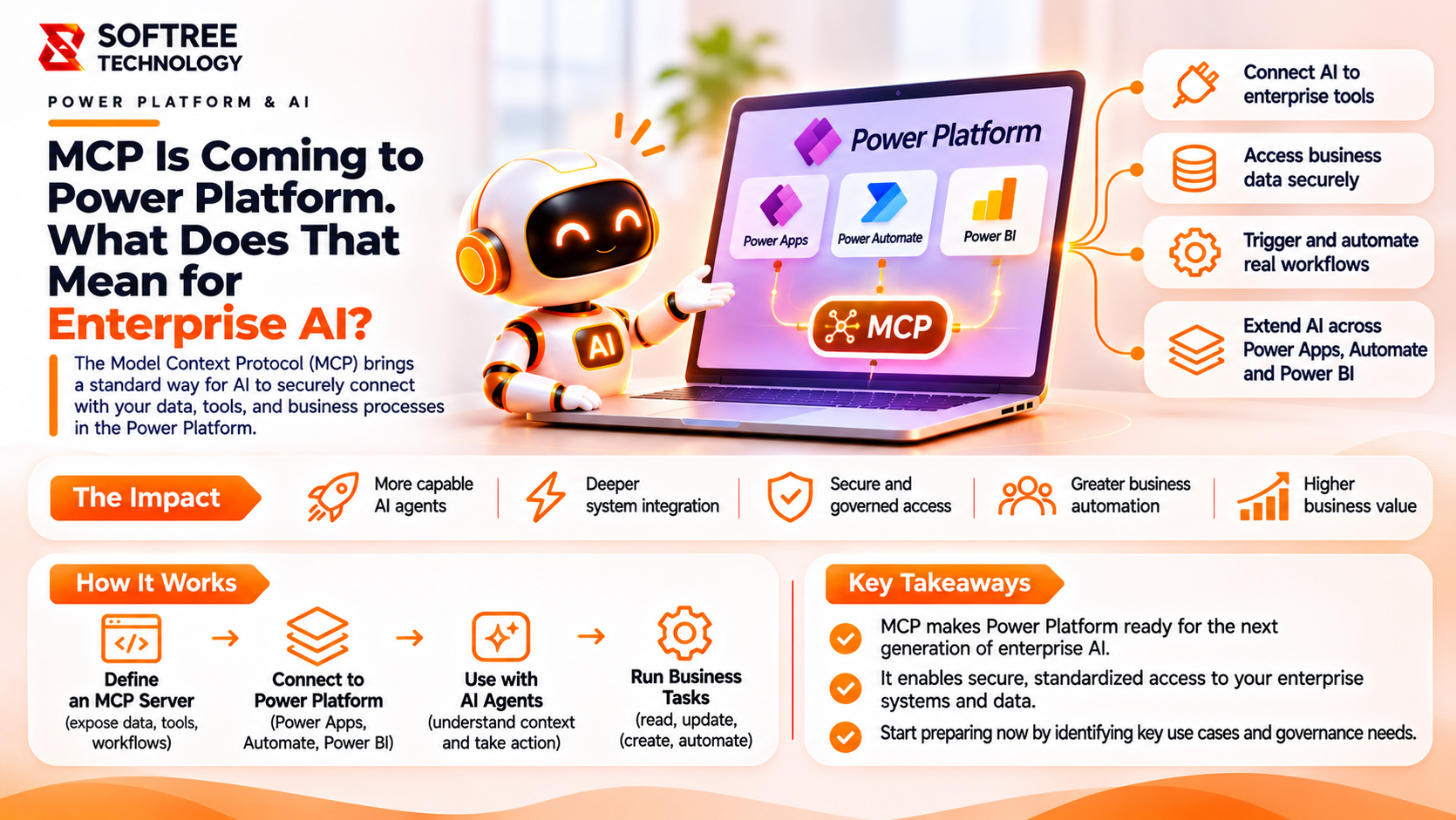
MCP provides a standard way for AI applications to discover and interact with external tools and data sources. Within Microsoft Power Platform, Dataverse can expose business data and operations through an MCP server, while Power Apps provides its own MCP capabilities for agent-driven app tasks and human supervision.
For organizations exploring connected AI workflows, understanding how Power Platform MCP works is an important step toward building secure and governed AI applications.
Key Takeaways
- MCP provides a standardized way for AI agents to discover and interact with business tools.
- Dataverse MCP exposes supported data operations to compatible AI clients.
- Power Apps MCP supports agent-driven app tasks and human supervision.
- Copilot Studio can connect AI agents to MCP tools.
- Security, permissions, monitoring, and human approval remain essential for production adoption.
What Is Power Platform MCP?
Power Platform MCP uses Model Context Protocol servers to let compatible AI agents and applications discover and interact with Power Platform capabilities.
Its key components include:
- Dataverse MCP: Allows compatible clients to discover Dataverse tables and use supported tools to search, query, and manage records.
- Power Apps MCP Server: Enables agents to interact with supported Power Apps capabilities, including data-entry tasks and human-in-the-loop supervision.
- Power Platform CLI MCP: Provides a local development MCP server that allows compatible coding tools to invoke Power Platform CLI capabilities using natural language.
MCP does not replace Dataverse, Power Apps, connectors, or Power Automate. It provides a standardized interaction layer between compatible AI clients and the tools exposed by those services.
Feature availability also differs. Microsoft's Dataverse MCP server is documented as generally available, while the Power Apps MCP Server is identified as a preview feature. Organizations should verify current availability and licensing before implementation.
How Power Platform MCP Works
MCP follows a client-server model:
- MCP Client: The AI application or agent that wants to use business capabilities.
- MCP Server: Exposes tools and resources that the client can discover and invoke.
- Business Platform: Performs the underlying operation according to its authentication and authorization rules.
For example, an AI agent may receive a request to find a customer's latest support cases. It discovers the available tools exposed by an approved MCP server, selects a Dataverse search or query operation, and retrieves the relevant records.
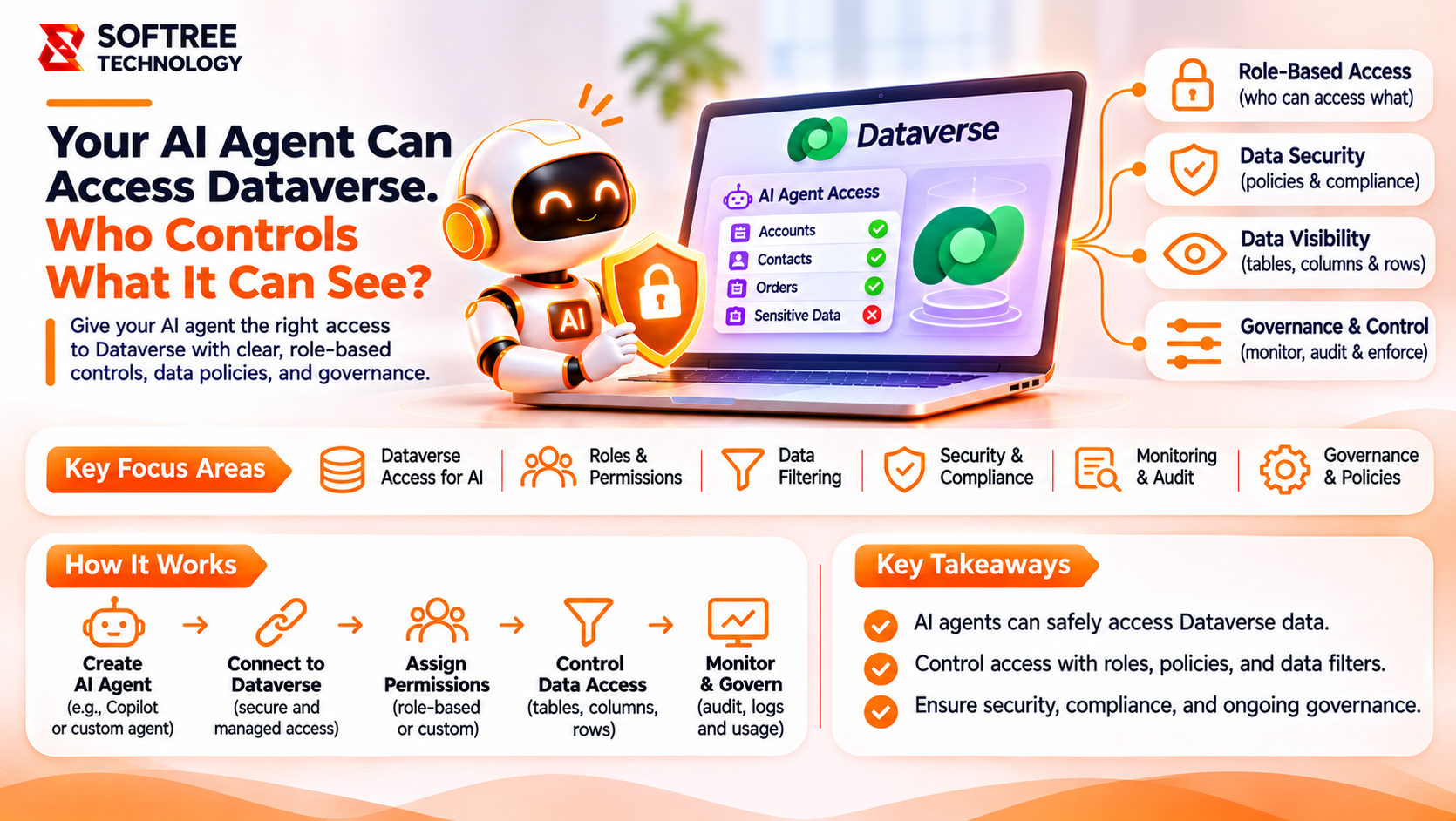
Dataverse applies the relevant security context and permissions before returning information to the agent.
The important distinction is that MCP standardizes how agents discover and call tools. It does not automatically grant unrestricted access to business data.
How MCP Connects Power Platform to AI Agents
A typical architecture includes:
- A user submits a business request.
- An AI agent, such as one built with Copilot Studio, interprets the request.
- The MCP client connects to an approved Dataverse MCP server.
- The server exposes supported operations such as searching, reading, or writing records.
- Dataverse processes the request under the applicable permissions.
- The result returns to the AI agent, which provides a response or continues an approved workflow.
This architecture allows compatible AI agents to interact with business data through a standardized interface while keeping access controls in place.
Real-World Example: AI Customer Support Agent
Consider a company that manages customer support cases in Dataverse. Support employees regularly need to find customer information, review open cases, and update case records.
An AI customer support agent connected to Dataverse through MCP could assist with these tasks.
For example, an employee asks:
"Show me the open support cases for this customer and summarize their status."
The agent can:
- Search Dataverse for the customer.
- Retrieve relevant support cases.
- Analyze case details and summarize their status.
- Recommend the next action.
- Request human review before an approved record update.
This approach combines natural-language interaction with structured business data while keeping important decisions under human control.
When Should You Use MCP in Power Platform?
MCP can be useful when:
- AI agents need to access Dataverse data through a standardized interface.
- Multiple compatible AI clients need to use the same business capabilities.
- You are building agents that search, retrieve, or update business records.
- Developers want natural-language access to Power Platform development tools.
- Human review is required within agent-driven business processes.
However, MCP should not be introduced simply because it is a new technology. For straightforward application integrations, an existing connector, API, or Power Automate flow may be simpler. MCP is most useful when an AI client needs to discover and invoke a set of tools dynamically.
Production Readiness: Security and Governance
A production implementation should place MCP within a governed architecture.
Important considerations include:
- Enable MCP only in environments with a clear business requirement.
- Allow only approved MCP clients.
- Review the tools exposed by each server.
- Apply least-privilege access through appropriate security roles and permissions.
- Require human approval for sensitive or high-impact operations.
- Review data protection policies and connector governance.
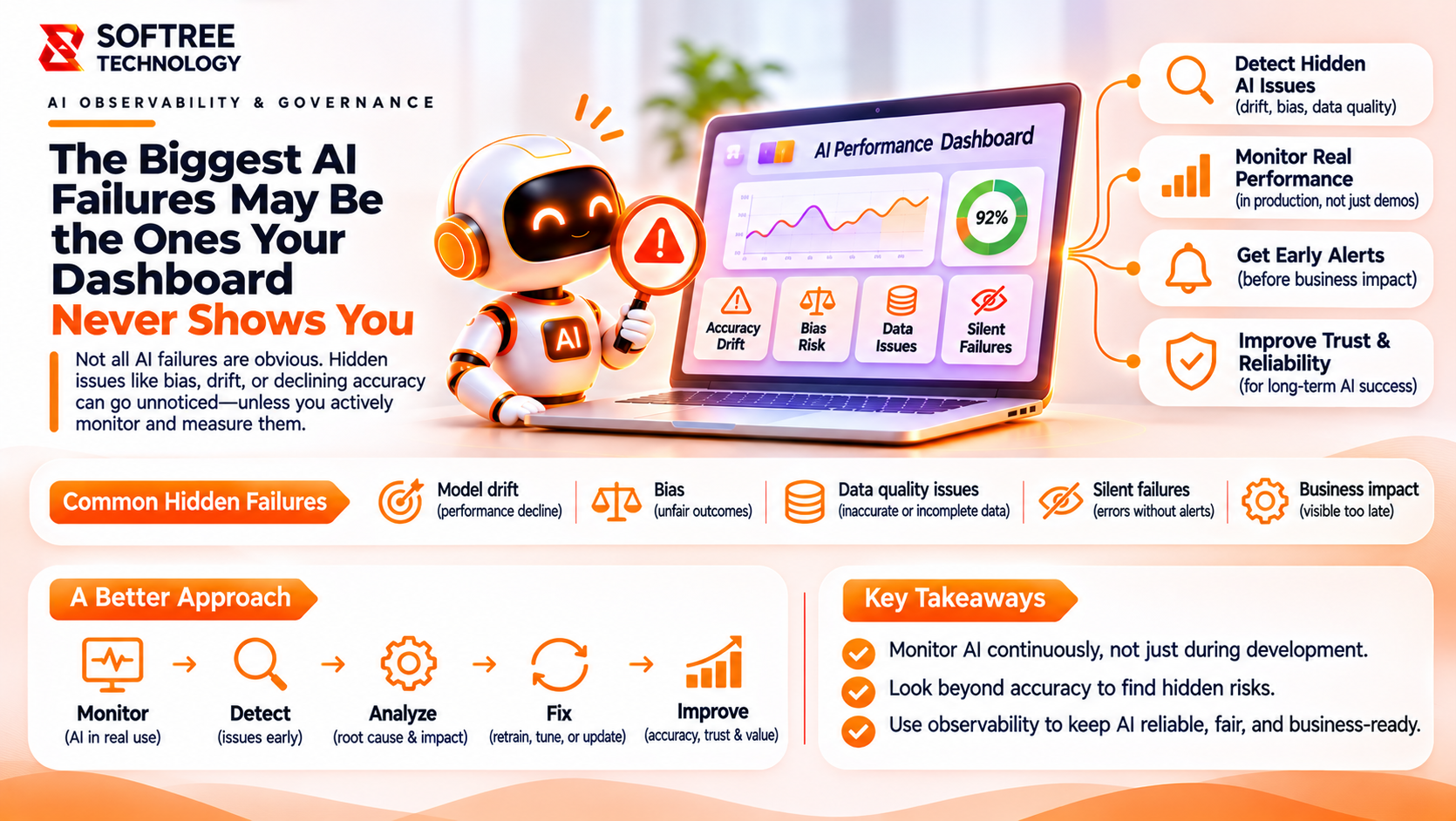
- Monitor agent activity, usage, and operational issues.
- Separate development, testing, and production environments.
Advanced Connector Policies can provide visibility into MCP servers and block an entire MCP server. However, the documented policy mechanism does not provide granular blocking of individual MCP tools. Tool-level restrictions and permissions should therefore be planned separately.
Production Readiness Checklist
Before introducing MCP into a business environment, verify that:
- The business use case and agent responsibilities are documented.
- The appropriate MCP server and client are selected.
- Required environments are configured.
- Only approved MCP clients are enabled.
- Dataverse security roles and permissions are reviewed.
- Read and write operations are clearly defined.
- Human approval is included for sensitive actions.
- Agent instructions define tool usage and restrictions.
- Monitoring and incident ownership are established.
- Testing is completed before production deployment.
What We Learned
Power Platform MCP creates a standardized way for AI agents to interact with business applications and data. However, successful adoption depends on more than connecting an agent to an MCP server.
Organizations should first identify the business processes where dynamic tool discovery provides value. They should then select the appropriate MCP capabilities, define permissions, test read and write operations, and establish human approval for sensitive actions.
A practical starting point is a controlled customer support use case where an agent can retrieve Dataverse records, summarize information, and recommend updates for employee review.
This allows teams to evaluate the usefulness of MCP without immediately introducing autonomous changes into business-critical workflows.
MCP can help organizations connect AI agents with business applications, but successful implementation requires thoughtful architecture, secure integrations, and clear governance.
Softree Technology helps businesses explore AI development, generative AI agents, Microsoft Power Platform, and custom application development. From identifying suitable agent use cases to designing integrations and implementation approaches, the focus is on making AI useful within real business processes.
Planning to connect AI agents with your Power Platform environment? To explore how MCP and connected AI architecture can support your business goals.
https://www.softreetechnology.com/