Employee Knowledge Discovery and Search Assistant
A leading IT services organization improved employee knowledge access with a SharePoint-based AI assistant, reducing manual document search and review effort.
Business Process Challenges
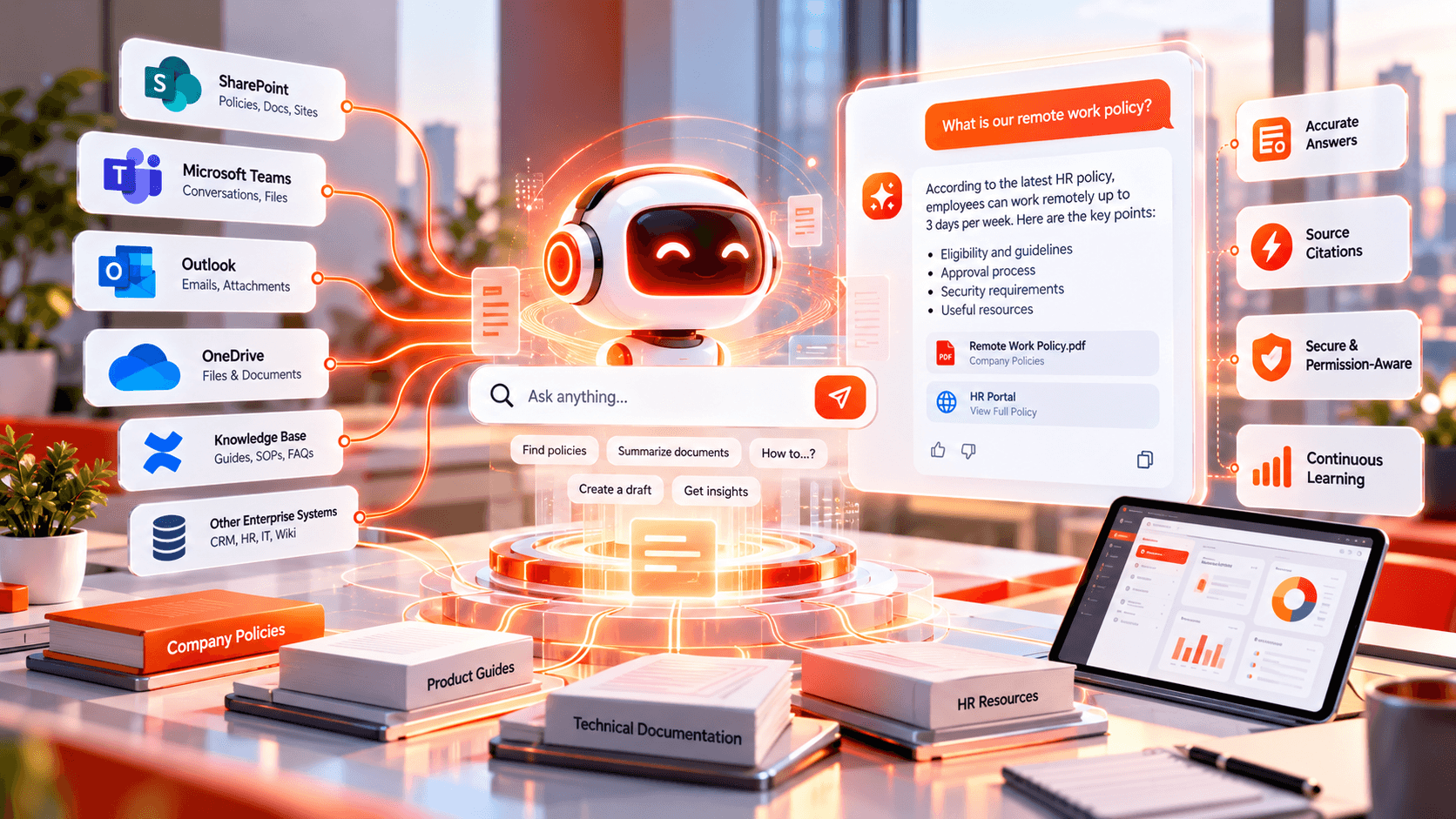
A leading IT services organization in the USA managed employee information and business documents through Microsoft SharePoint. Employees regularly needed to access benefits information, workplace guidelines, IT standards, onboarding resources, and organizational policies. However, finding the right information required employees to manually search through SharePoint, open multiple documents, and review lengthy content, making everyday knowledge access slower and more dependent on knowing where information was stored.
Key challenges included:
- Time-consuming manual searches: Employees had to search SharePoint repeatedly and open multiple documents to find specific employee-related information.
- Difficulty finding information across documents: Relevant information was often distributed across different SharePoint documents, making it difficult to identify the right content quickly.
- Repetitive document review: Employees frequently spent time reading lengthy documents to locate small pieces of information needed for routine questions.
- Delayed access to knowledge: The manual search process increased the time required to access important workplace information.
- Dependency on content location: Employees often needed to know where specific information was stored before they could find and use it.
The organization needed a natural-language experience that could retrieve relevant information from SharePoint and provide reliable answers grounded in enterprise content.
Our Strategic Approach
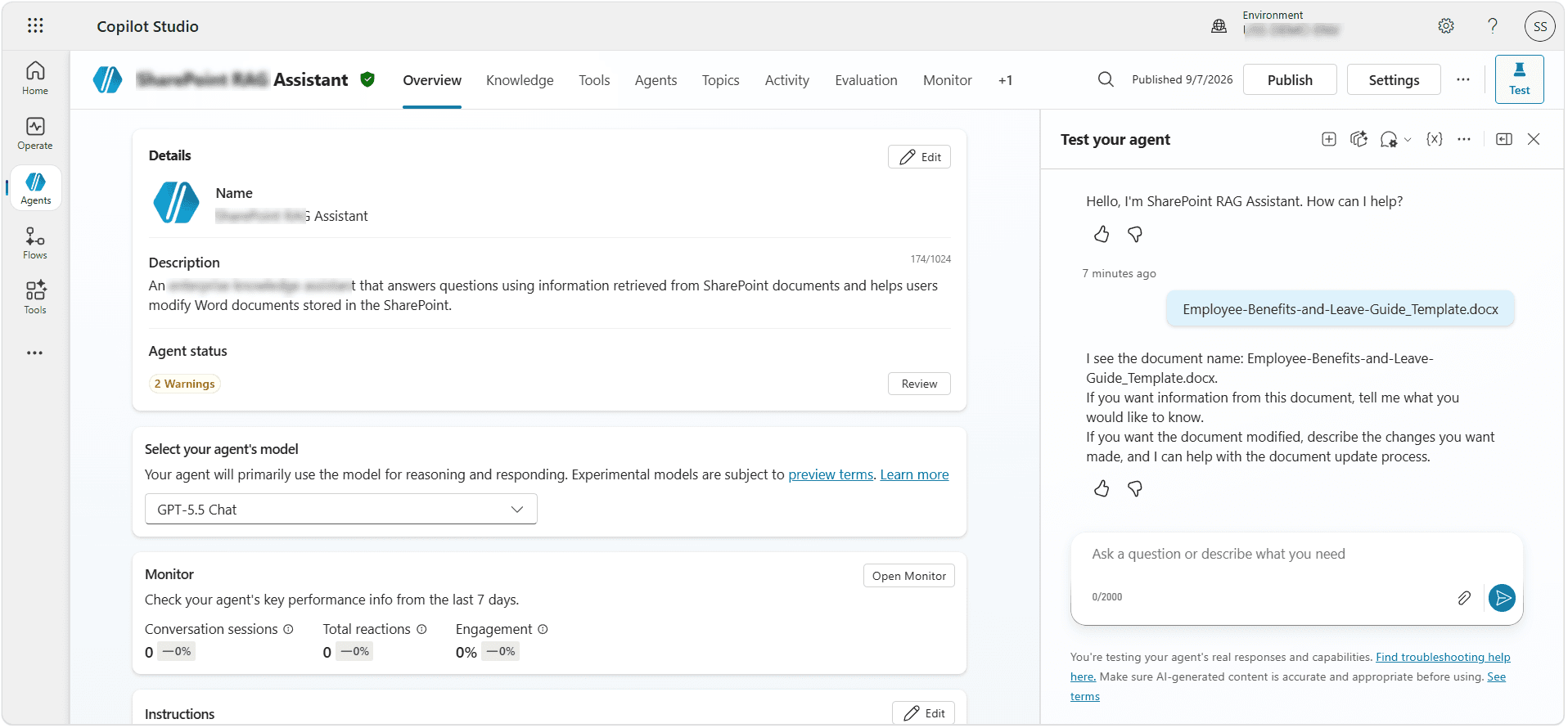
Softree designed a centralized employee knowledge assistant using Microsoft Power Platform, with Microsoft Copilot Studio serving as the AI orchestration layer. SharePoint was configured as the enterprise knowledge source, while Retrieval-Augmented Generation (RAG) enabled the solution to retrieve relevant document content and use it as context for responses.
The implementation included:
- SharePoint Knowledge Configuration: Softree configured SharePoint as the primary knowledge source and structured the knowledge experience to prioritize relevant retrieved information while avoiding unsupported responses.
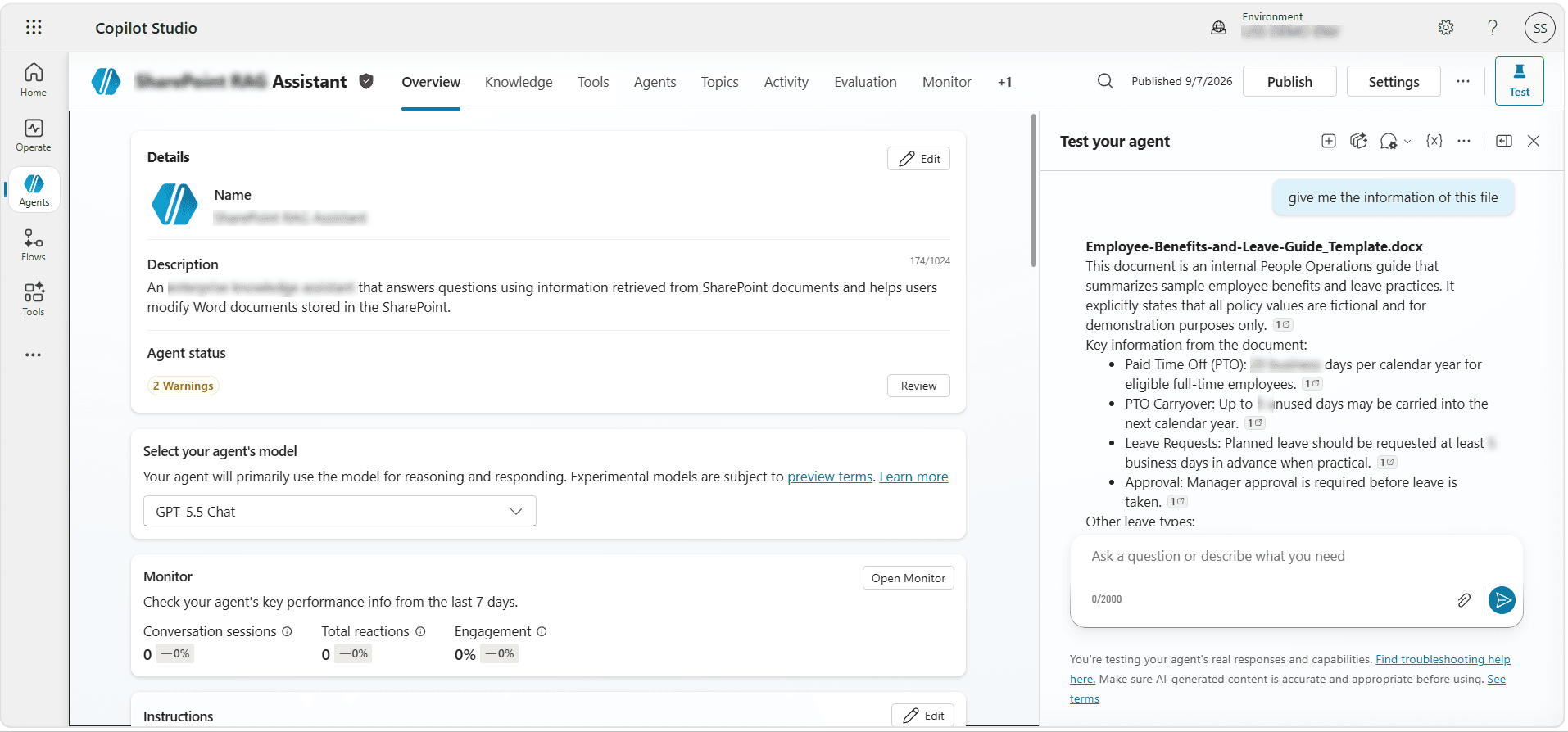
- RAG-Based Knowledge Retrieval: The solution used Retrieval-Augmented Generation to retrieve relevant information from SharePoint documents and provide grounded responses to employee questions.
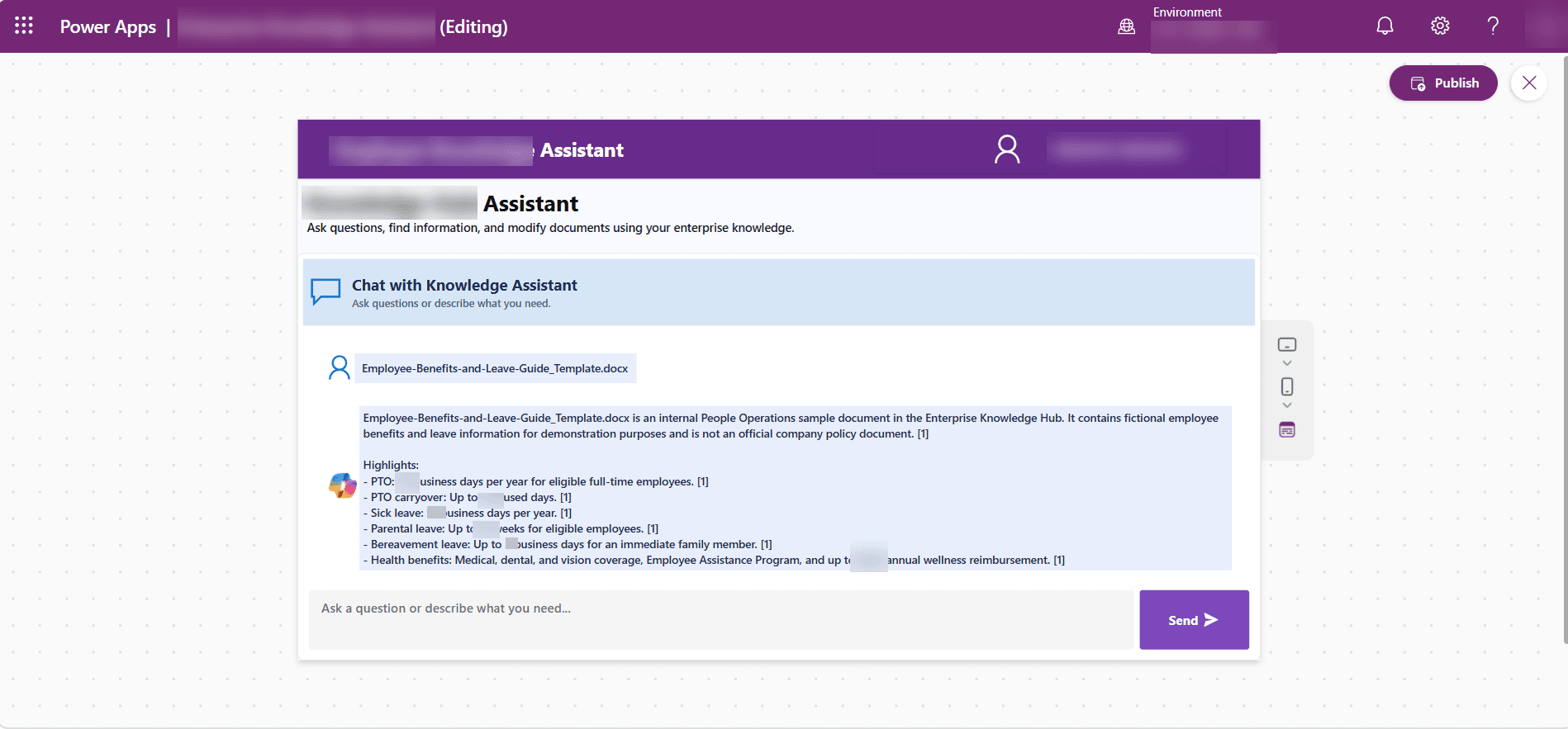
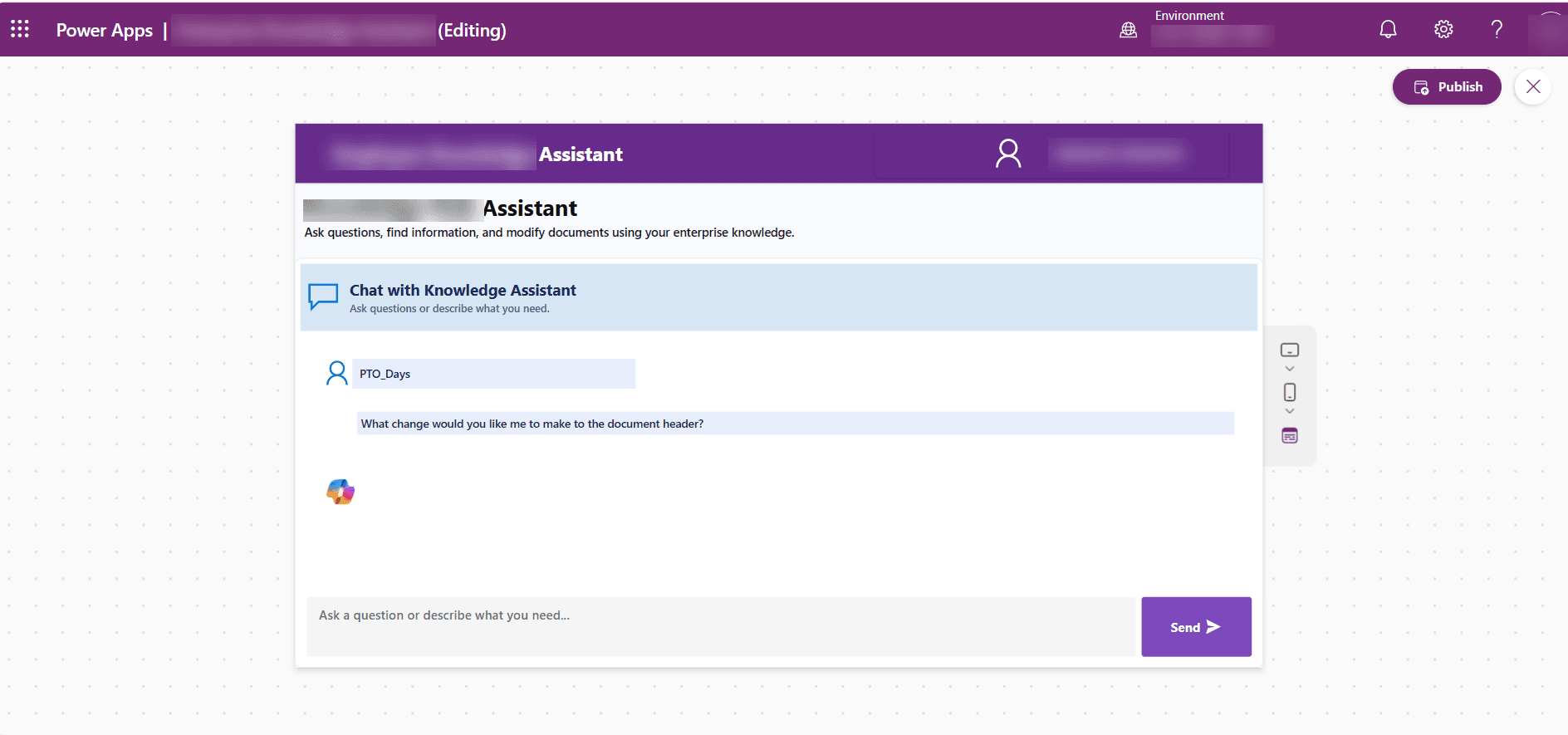
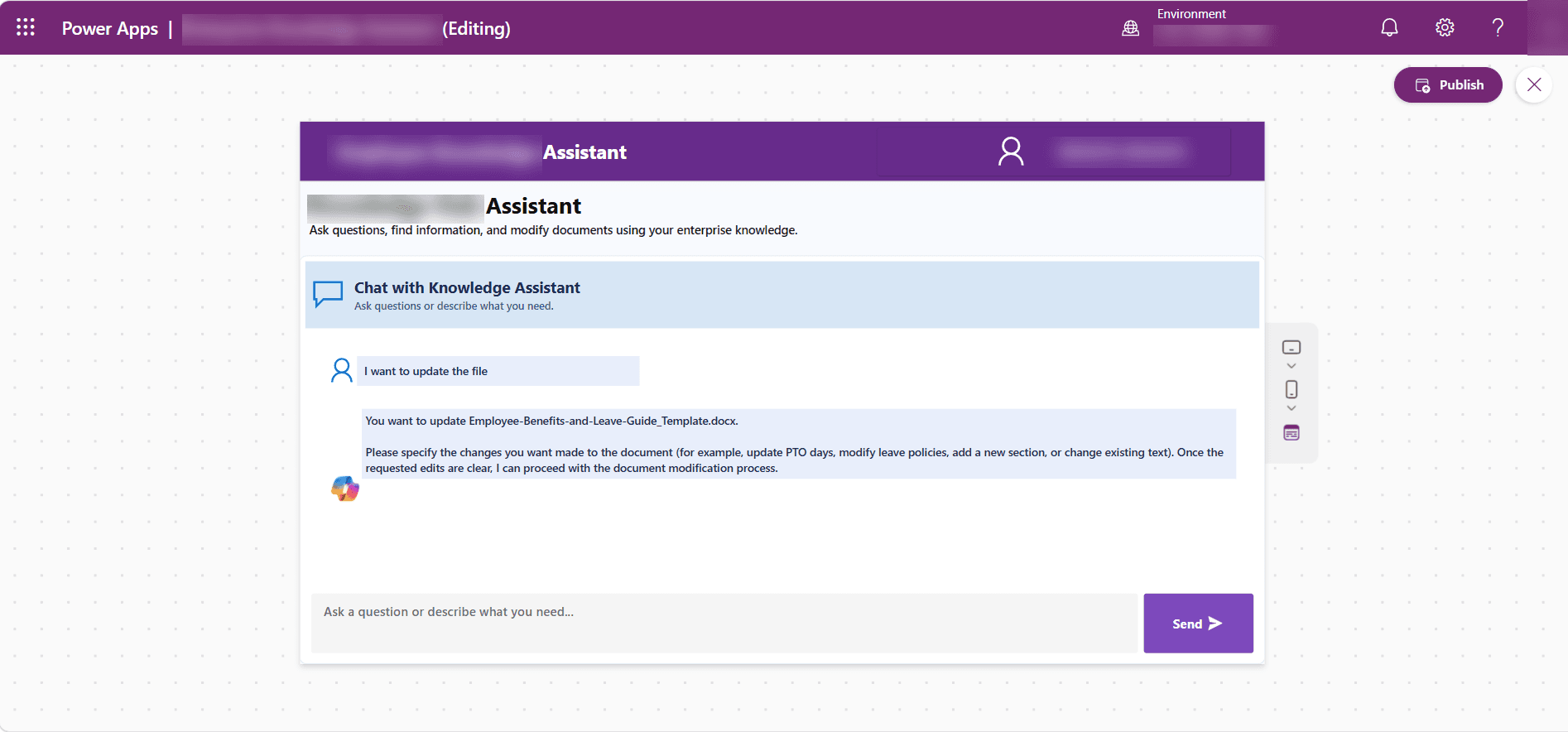
- Conversational Power Apps Interface: A Power Apps Canvas application was developed to give employees a centralized conversational interface for asking questions and accessing enterprise knowledge.
- Copilot Studio Integration: Microsoft Copilot Studio provided the orchestration layer for the conversational experience and connected the employee interface with the underlying knowledge capabilities.
- Power Automate Integration: Power Automate and the Copilot Studio connector were used to pass employee messages to the AI agent and return the generated response and conversation context to the application.
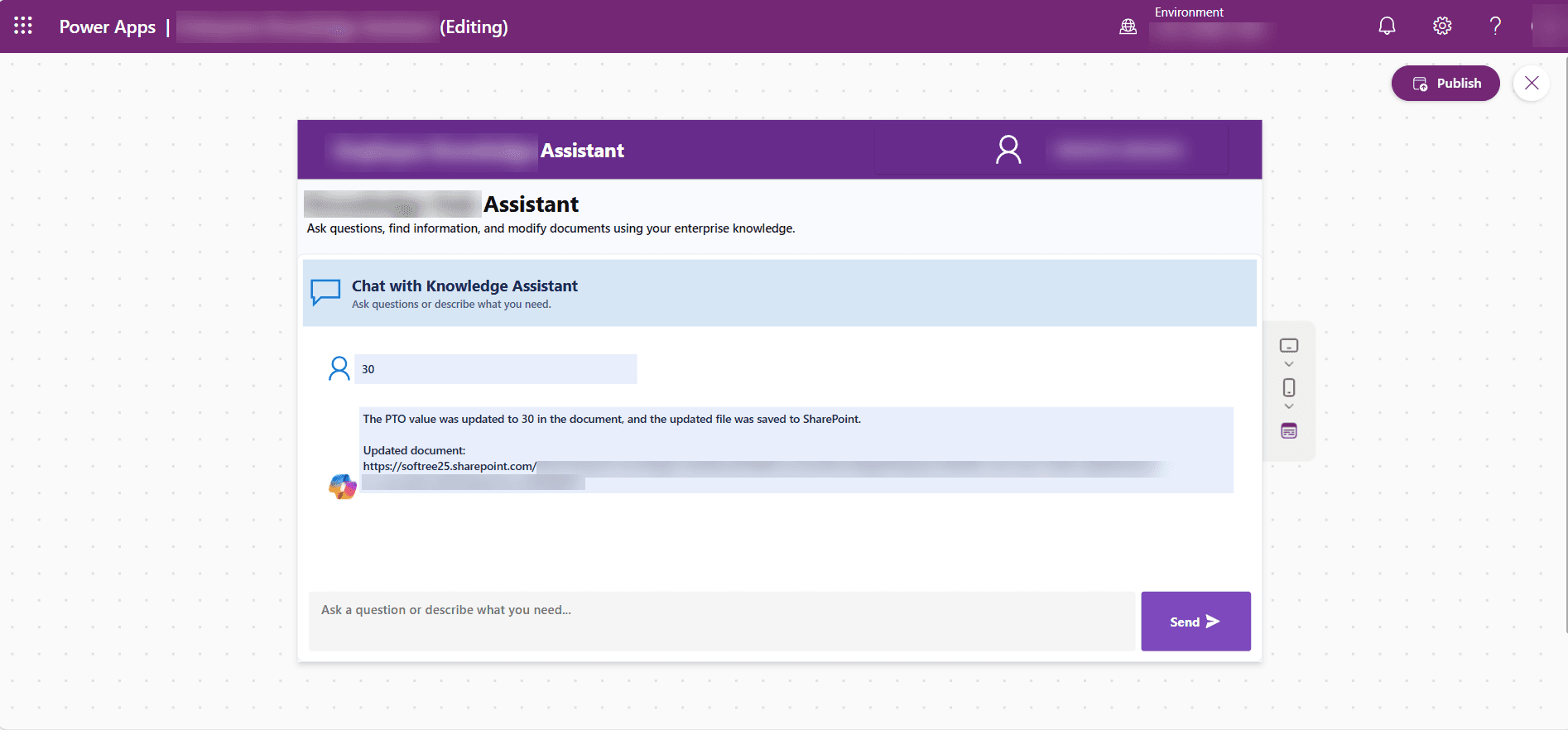
- Conversational Document Modification: The solution supported document modification through structured Word templates using Plain Text Content Controls, allowing supported information to be updated and generated as an updated Word document.
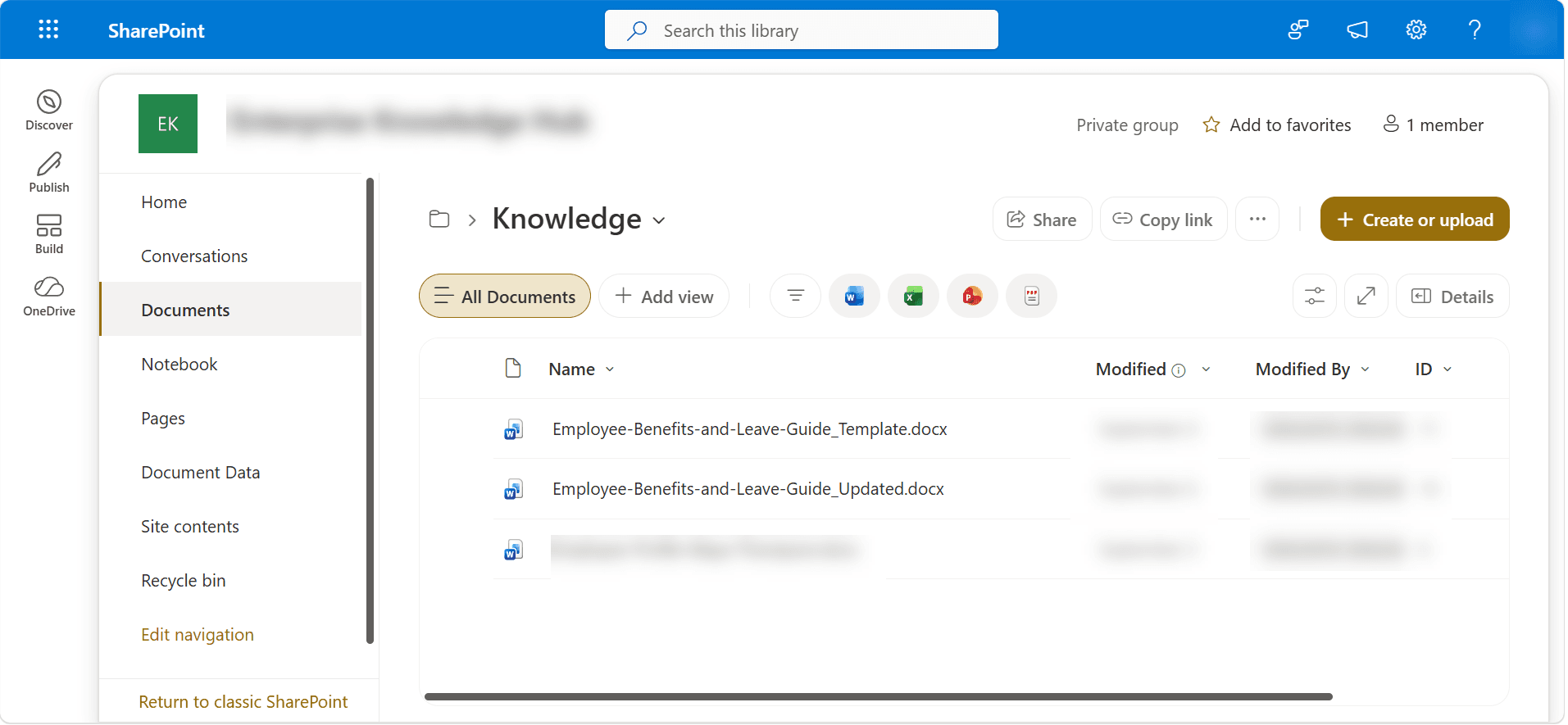
- SharePoint Document Storage: Updated Word documents were stored back in SharePoint, keeping the modified content within the organization's existing document environment.
Our Engineering & Delivery Process
Our structured project delivery approach takes you from discovery and planning to development, testing, and deployment, ensuring quality, transparency, and predictable outcomes at every stage.
Discovery & Architecture
Deep-dive technical audit of existing systems, security baselines, API mapping, and comprehensive cloud target blueprinting.
UX & System Prototyping
Role-based user journeys, wireframing, high-fidelity clickable Figma prototypes, and API contract specifications prior to build.
Agile Sprint Engineering
Modular development sprints delivering clean, shippable code with automated CI/CD pipelines and continuous testing.
QA & Security Hardening
End-to-end regression suites, cross-device verification, load stress audits, and penetration testing for enterprise resilience.
Production Launch & Scale
Zero-downtime blue-green production deployment, real-time telemetry, administrator training runbooks, and ongoing SLA support.
Explore the Solution Through visuals
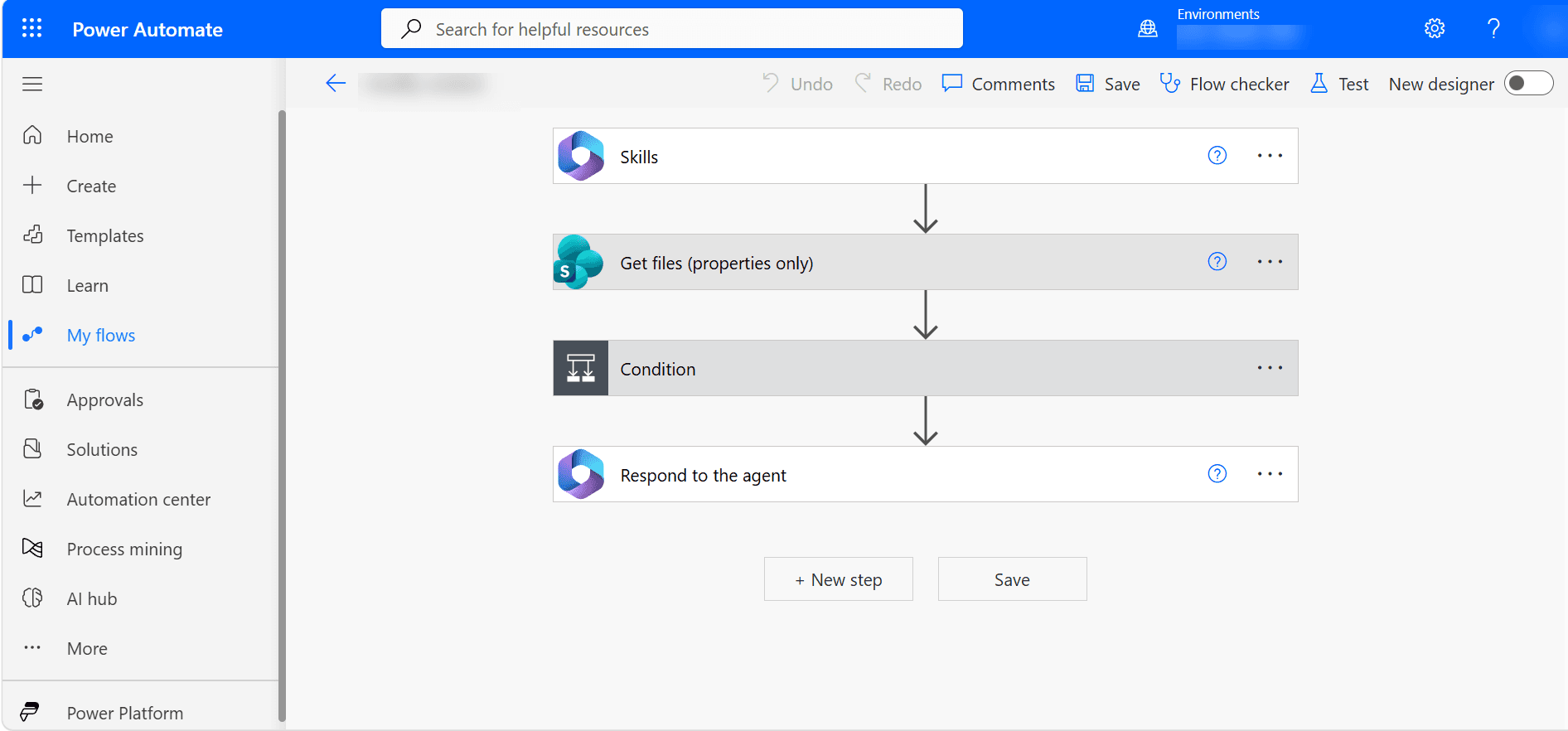
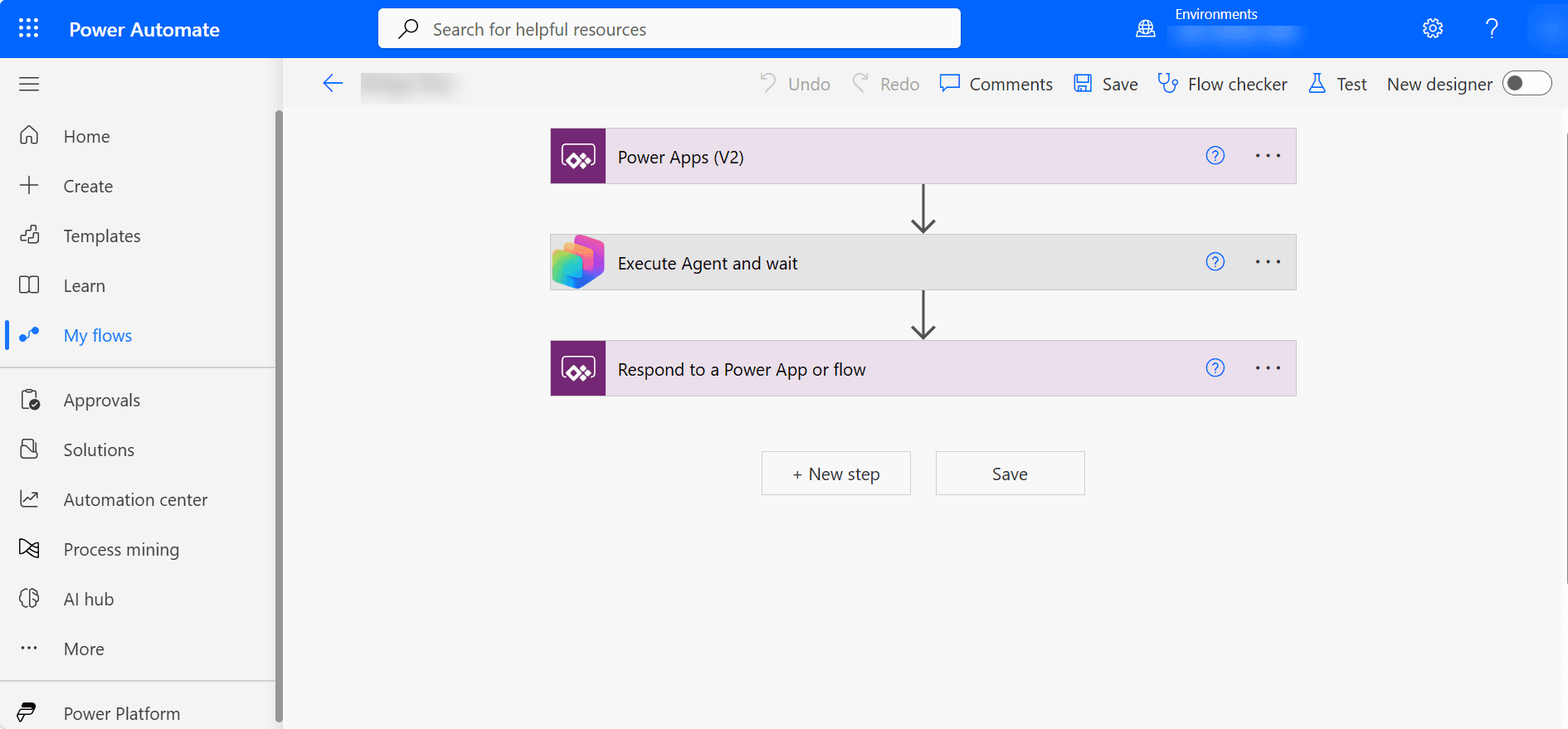
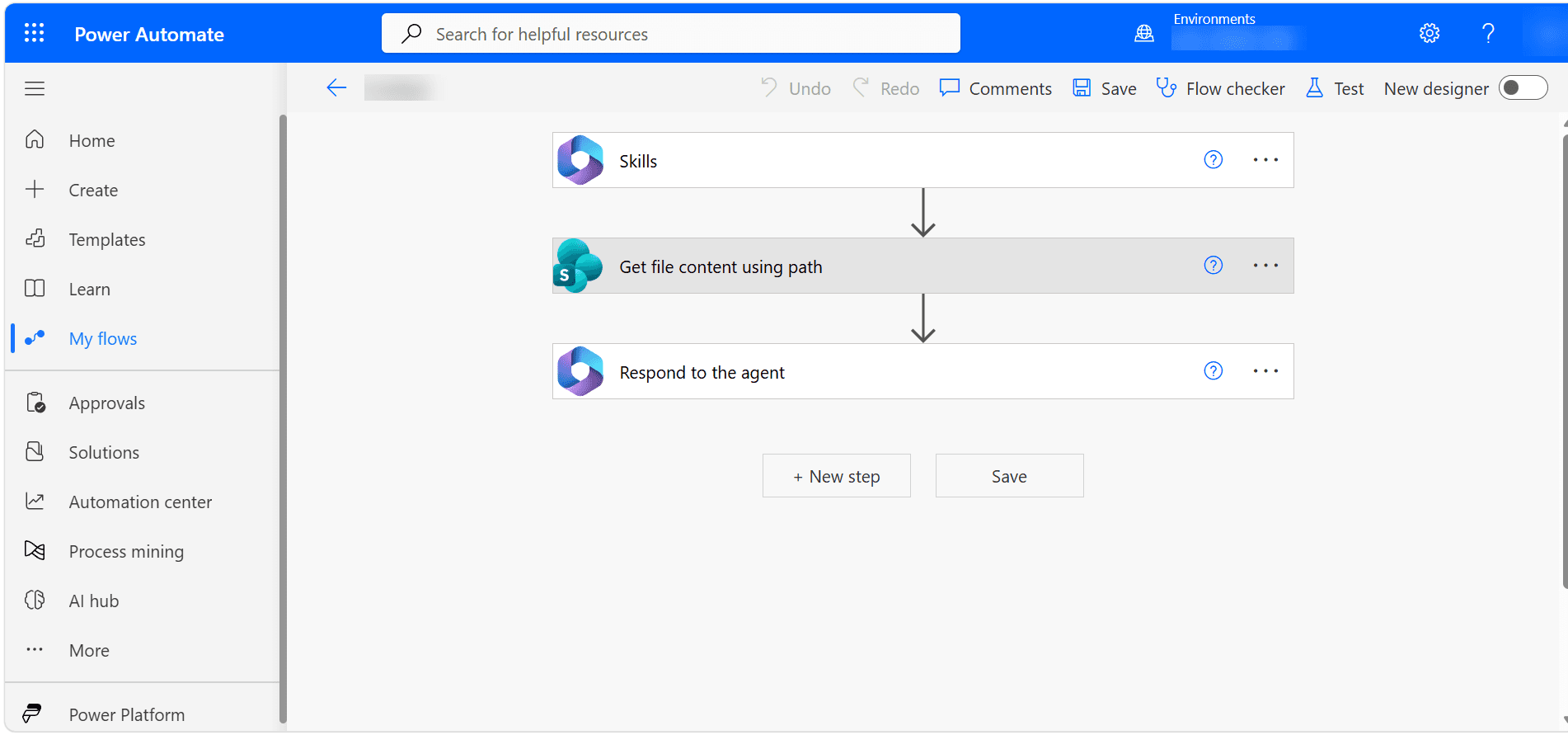
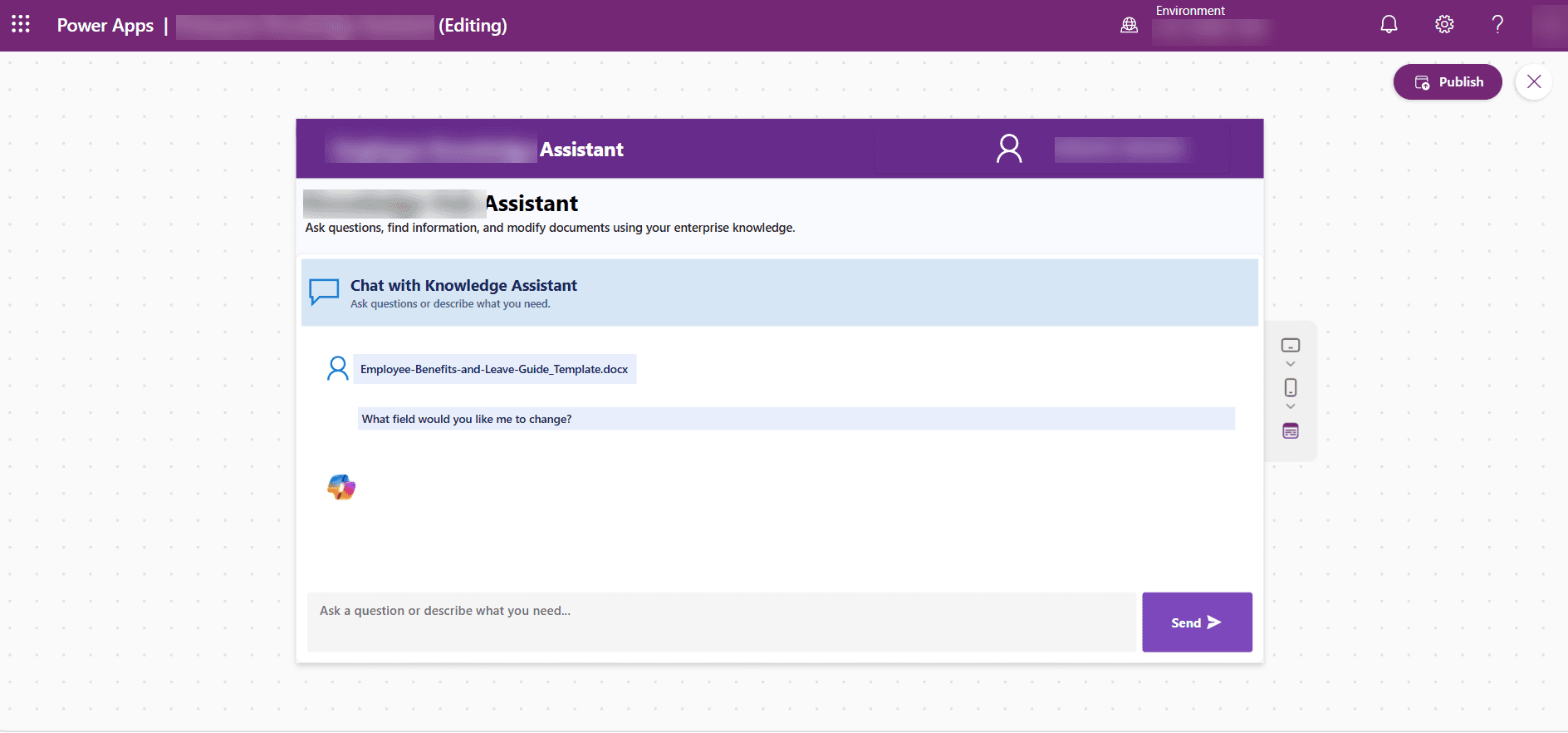
What changed for the client.
The solution transformed employee knowledge access from manual SharePoint document searching into a conversational experience. Employees could ask natural-language questions, such as “How many PTO days do employees receive?”, and receive relevant information through the Power Apps interface.
Key outcomes included:
- Reduced time spent searching SharePoint: Employees could access relevant information without manually reviewing multiple documents.
- Faster access to employee information: Natural-language questions provided a more direct way to find workplace policies, benefits, guidelines, and other information.
- Improved knowledge discovery: Employees could retrieve relevant information based on their questions rather than depending entirely on document locations.
- Reduced repetitive document-review activities: The solution minimized the need to repeatedly open and review lengthy documents for common information requests.
- Improved employee productivity: Faster access to relevant enterprise knowledge reduced manual effort involved in routine information discovery.
- Centralized enterprise knowledge access: Power Apps provided a single conversational interface for accessing information maintained in SharePoint.
- Automated Word document updates: Supported document modification scenarios could update structured Word content and save the resulting document back to SharePoint.
The numbers behind the rollout.
The full integration layer.
Other engagements worth a look.
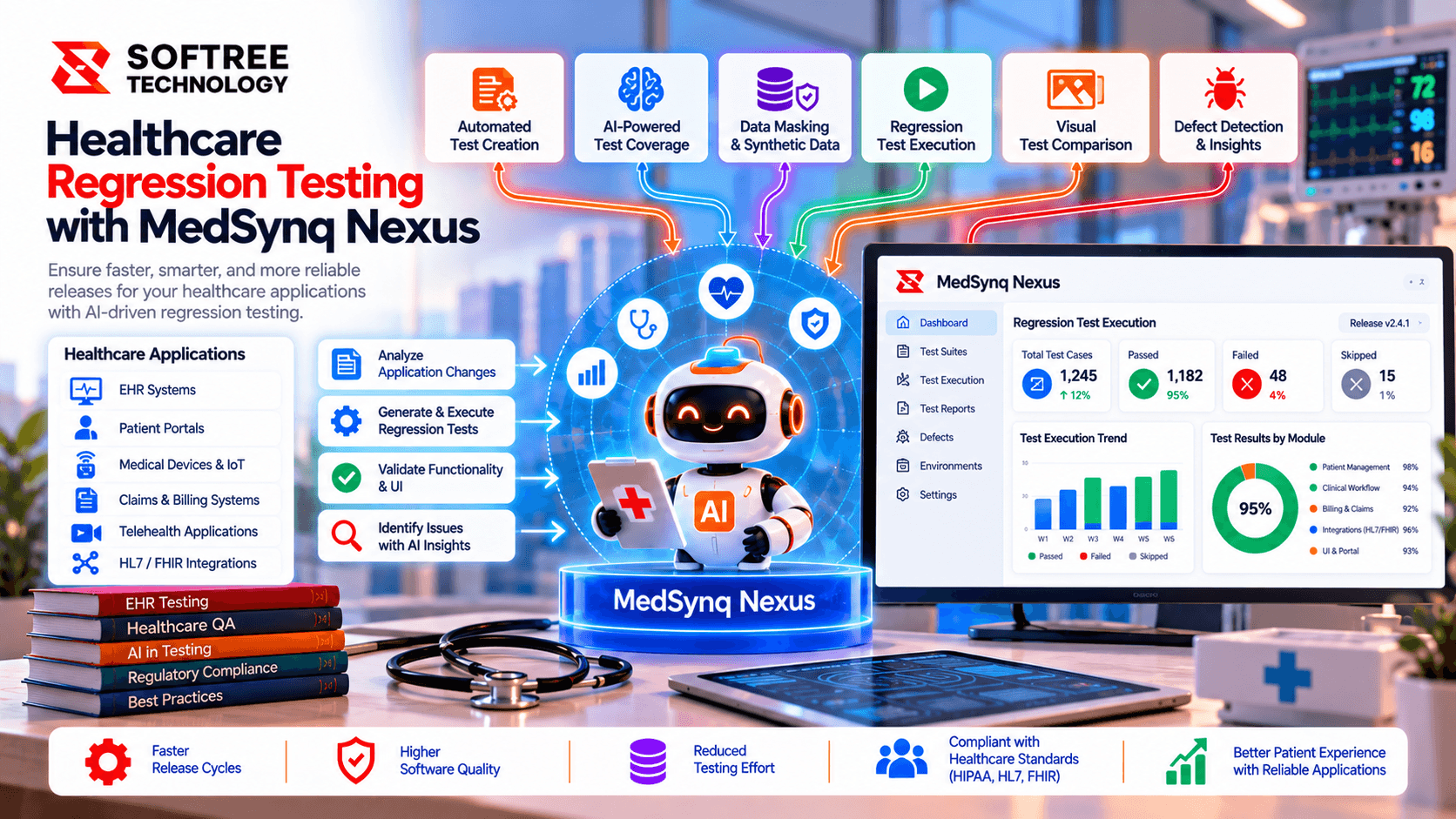
Healthcare Regression Testing with MedSynq Nexus
MedSynq Nexus uses AI-assisted impact analysis to prioritize healthcare regression tests, targeting up to 60% shorter regression cycles in eligible scenarios.
Read case study→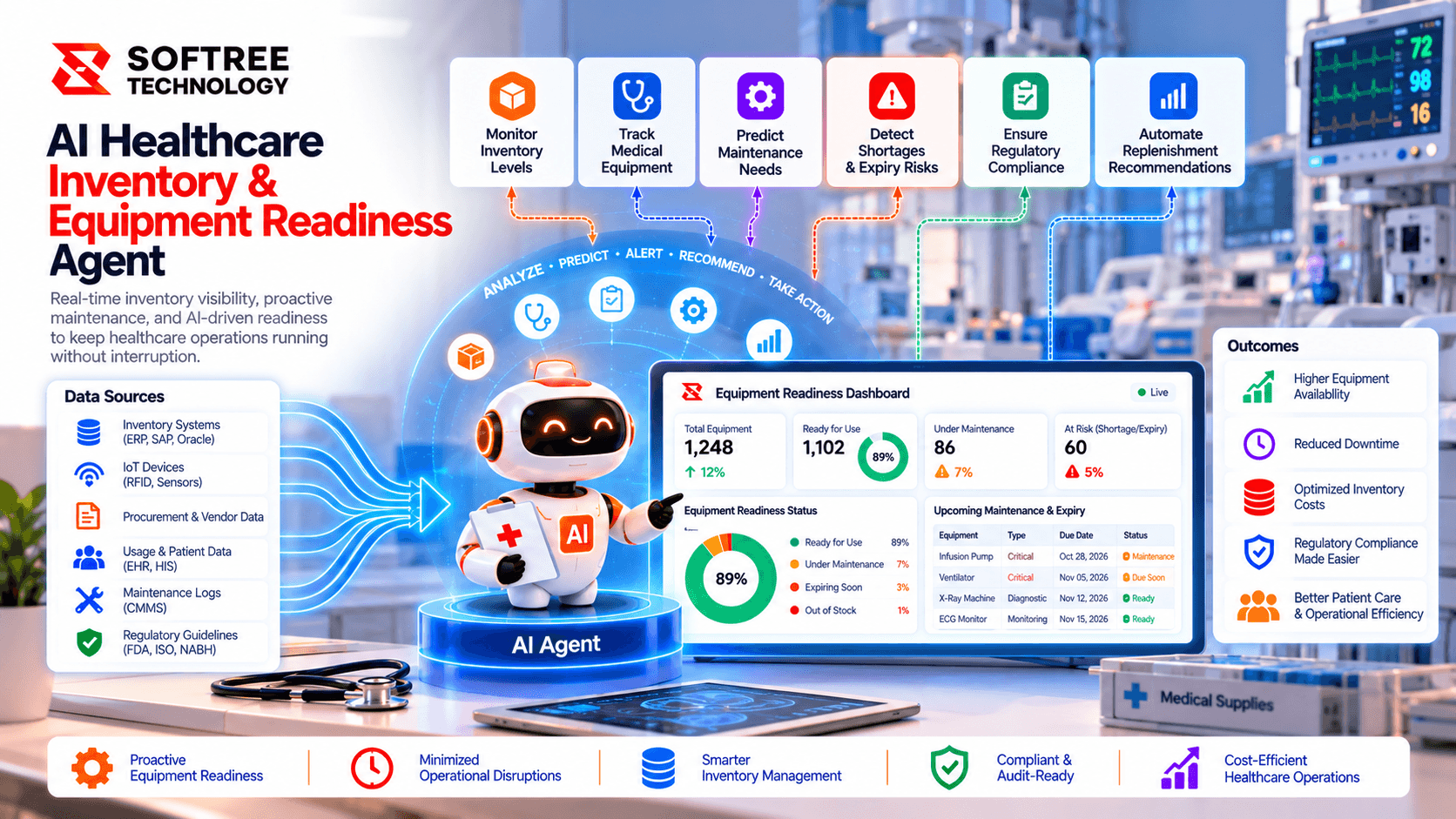
AI Healthcare Inventory & Equipment Readiness Agent
Softree designed an AI healthcare agent to monitor inventory, flag expiry risks, assess equipment readiness, and coordinate replenishment across hospital departments.
Read case study→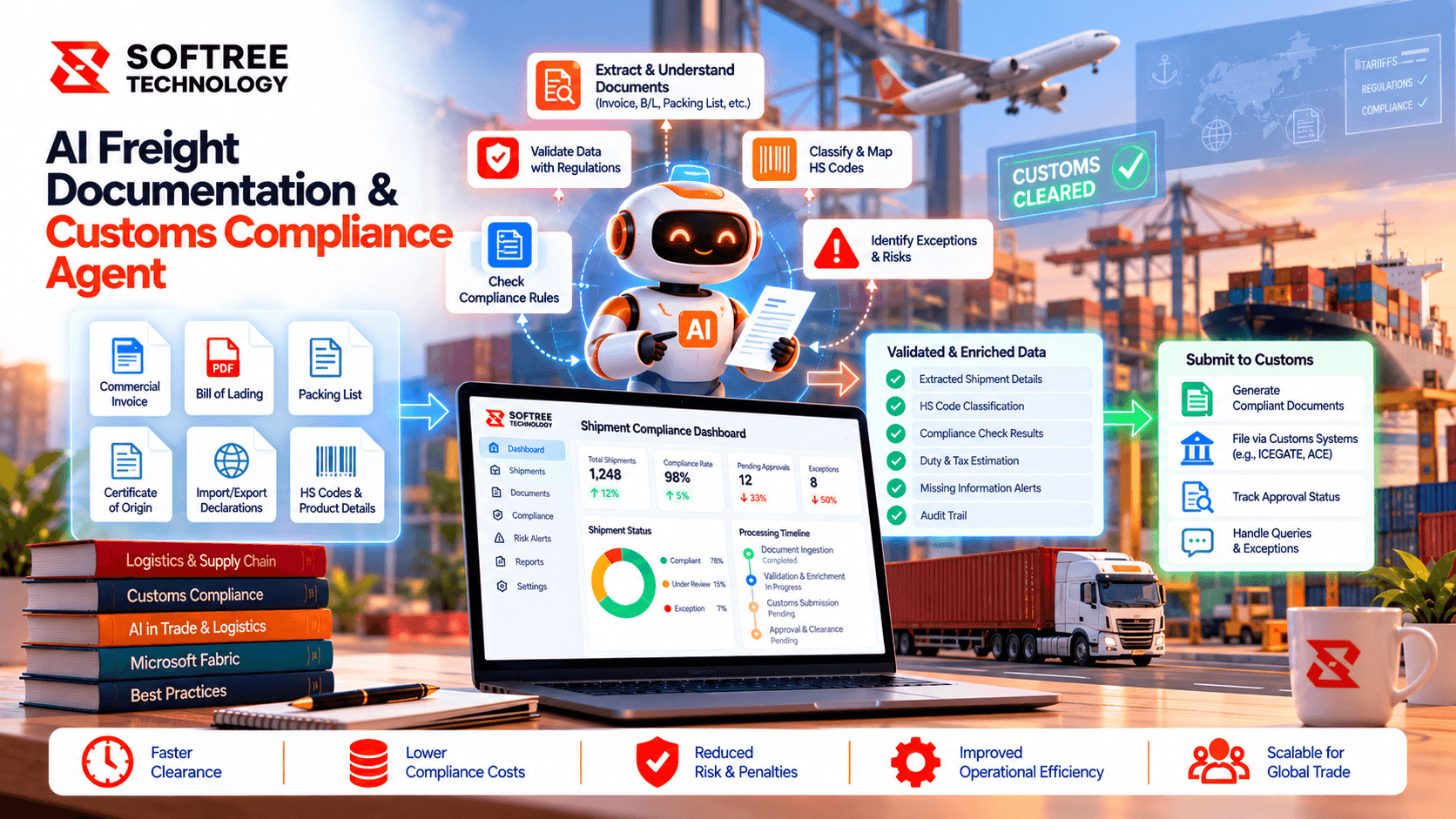
AI Freight Documentation & Customs Compliance Agent
A UAE freight operator used an AI documentation agent to identify shipment gaps, flag discrepancies, and route customs exceptions for review.
Read case study→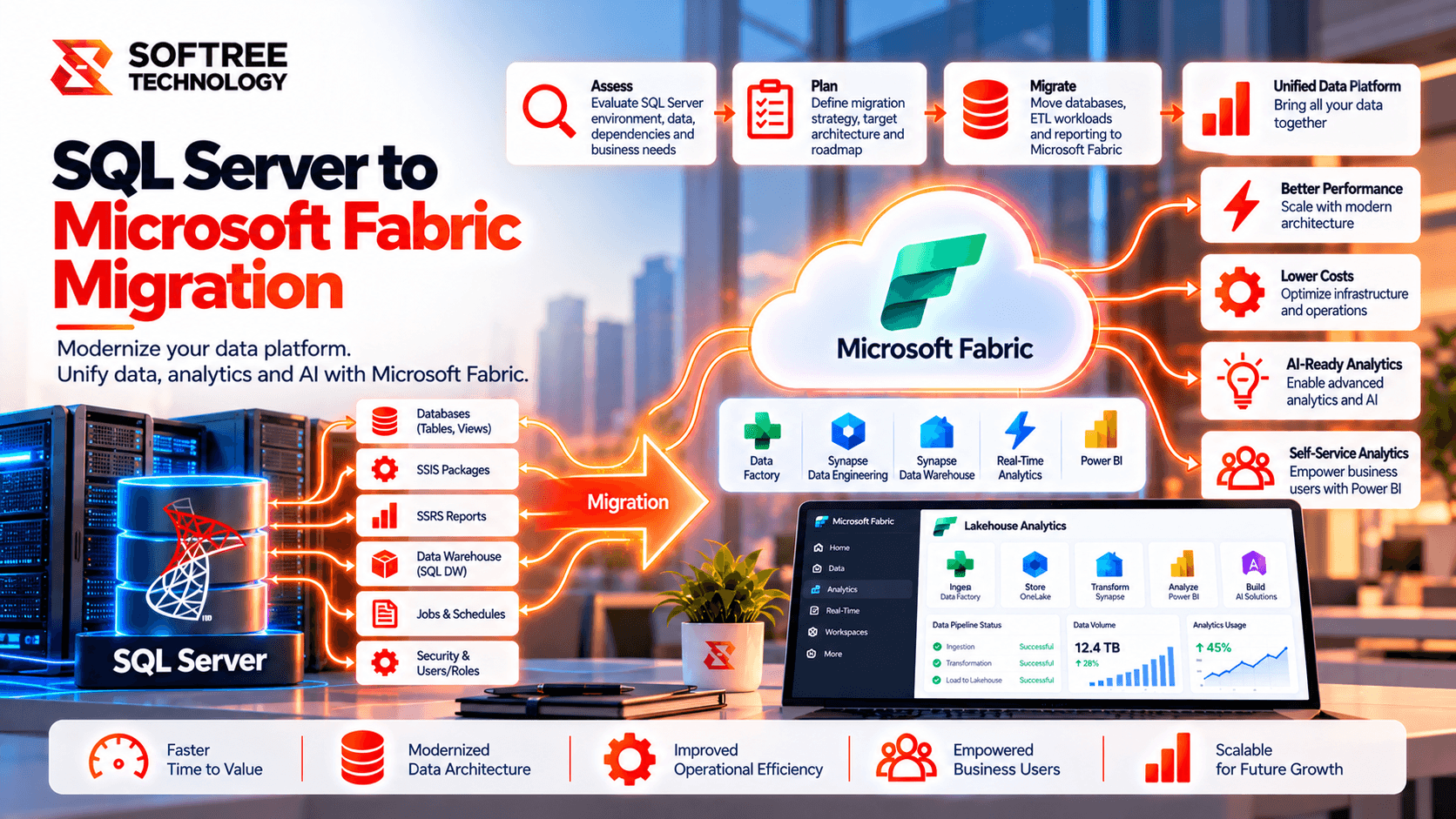
SQL Server to Microsoft Fabric Data Warehouse Migration
Modernizing an enterprise SQL Server data warehouse with Microsoft Fabric while maintaining data quality, performance, security, and reporting continuity.
Read case study→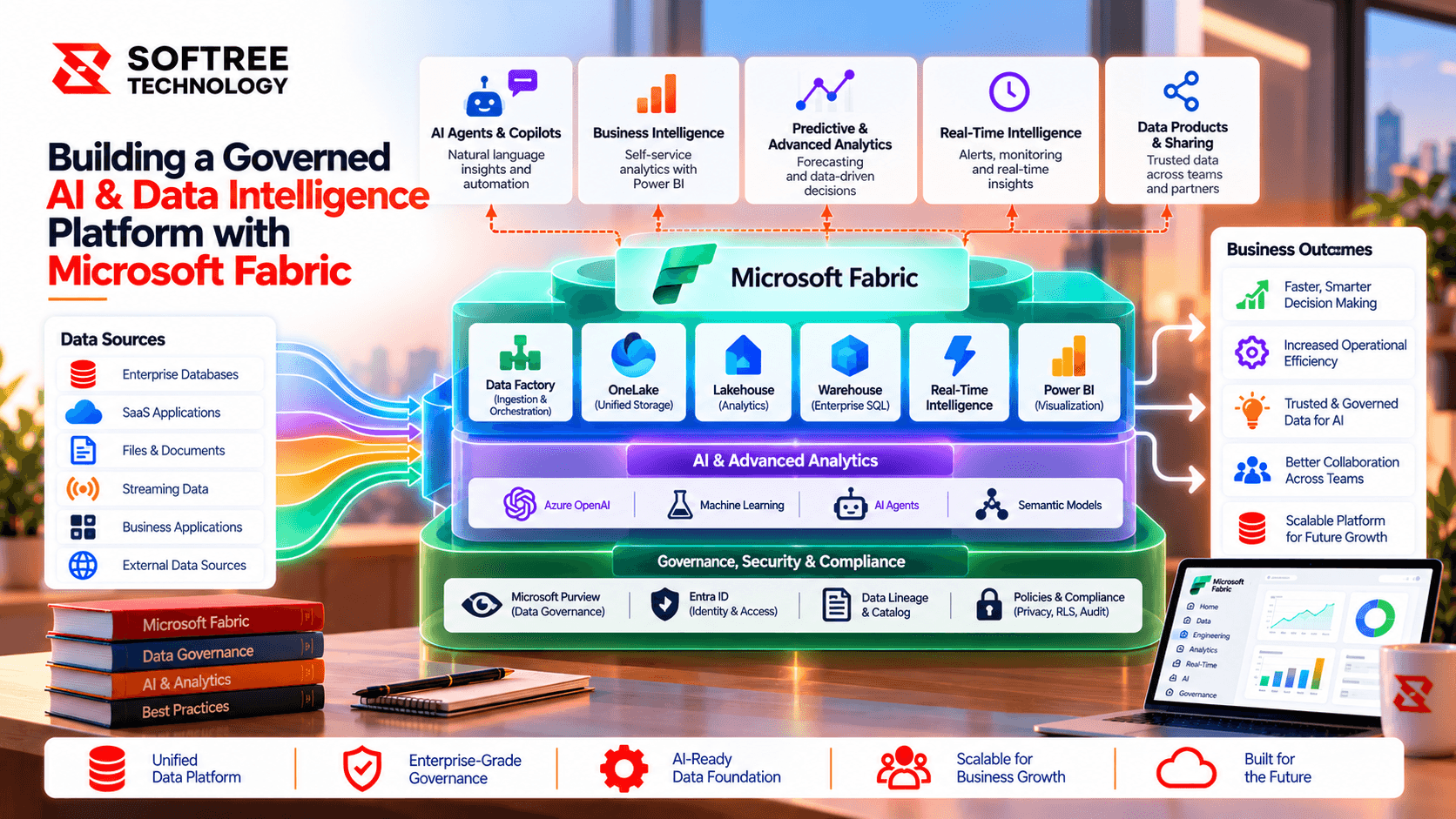
Building a Governed AI & Data Intelligence Platform with Microsoft Fabric
A Fabric and AI data platform unifies enterprise data and documents, enabling governed RAG, analytics, and permission-aware AI experiences.
Read case study→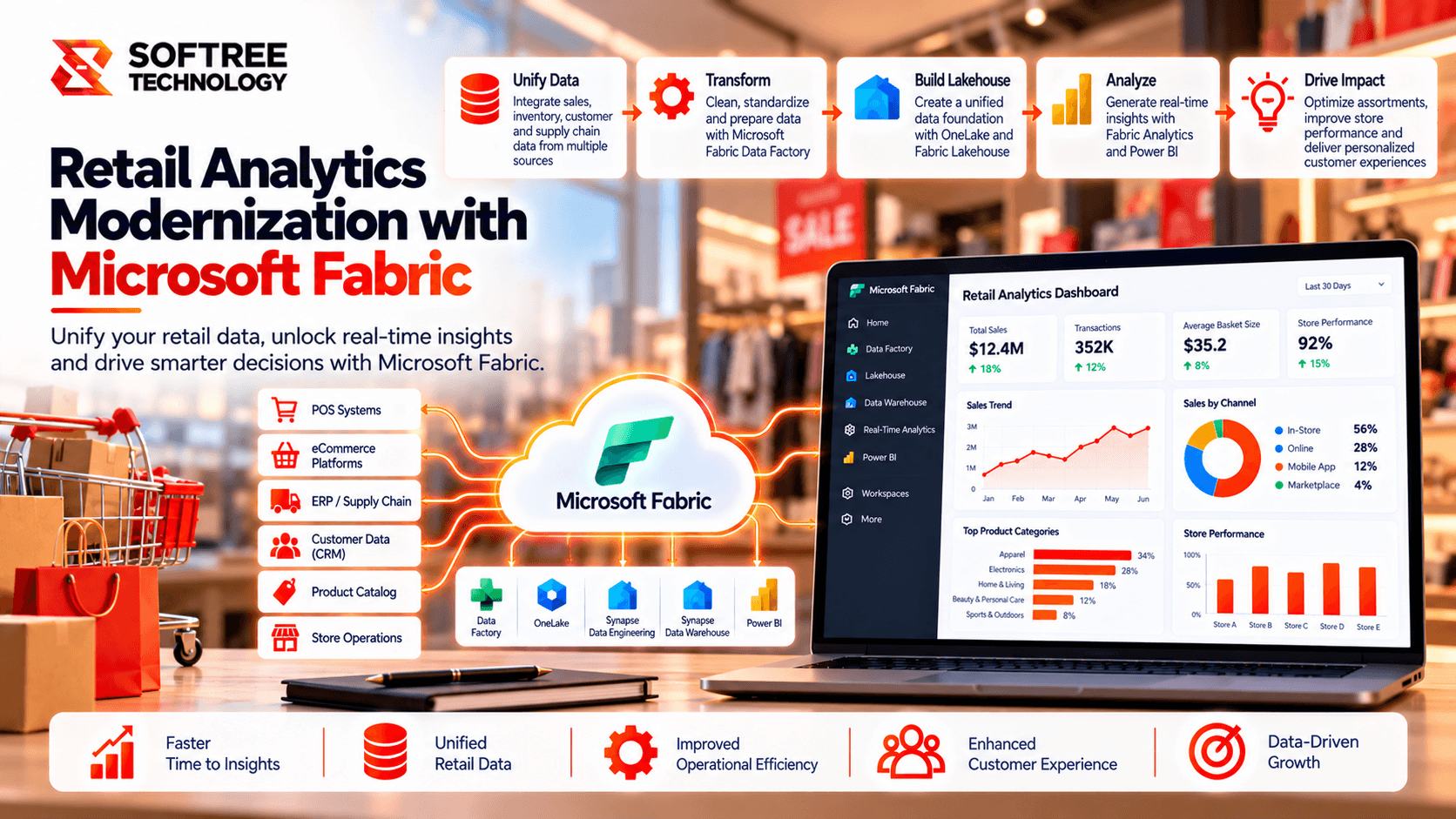
Retail Analytics Modernization with Microsoft Fabric.
Softree modernized a retail analytics environment with Microsoft Fabric, improving data governance, semantic model reuse and Power BI performance.
Read case study→Frequently asked questions.
Build faster with a reliable offshore engineering partner.
Partner with Softree to accelerate product delivery, modernize enterprise systems, and scale with confidence.

What we offer
Offices
Bengaluru
11th Floor, Prestige Tech Park, Platina 2 · Outer Ring Rd, Kadubeesanahalli · Bengaluru, Karnataka 560087, India
Cuttack
PLOT B6-1628, SECTOR-10, CDA · Cuttack, Odisha 753014 · India
San Francisco
San Francisco, CA 94108 · United States
Got a question, challenge, or idea?
Fill out the form or pick a time on our scheduler.
30-min discovery call
Same Calendly as our booking page · instant invite